Contact sales now: info@ecommercetemplates.com
Ecommerce Templates > General Help > Using your own design

If you are not going to use one of our templates or themes you can still use our shopping cart software and integrate it into your own design, or use it as a basis for your new store by working from the Generic Version. We have outlined the steps below for integrating the software into a layout. If you have any questions about the integration, please contact us.
The Generic Version is responsive meaning it will look great on tablets and smart phones.
The Premium Generic Version is a one time fee of €69 (£59.09 / $73.92 USD approx.)
Basically what you need to do is start with an existing page of your current design and clear out the main center content so you are left with a white space in the middle of the page. This is where the dynamically generated shopping cart content will appear once you have the site on your server and the database connection made.
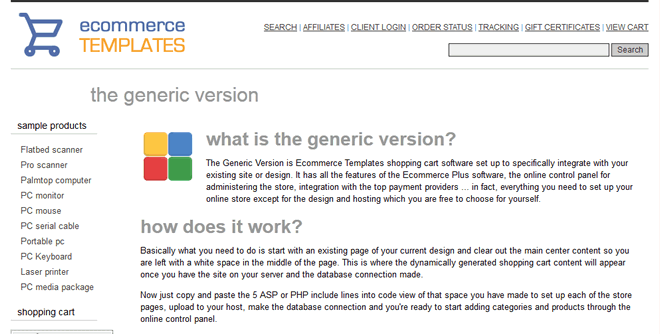
How the Generic Version works
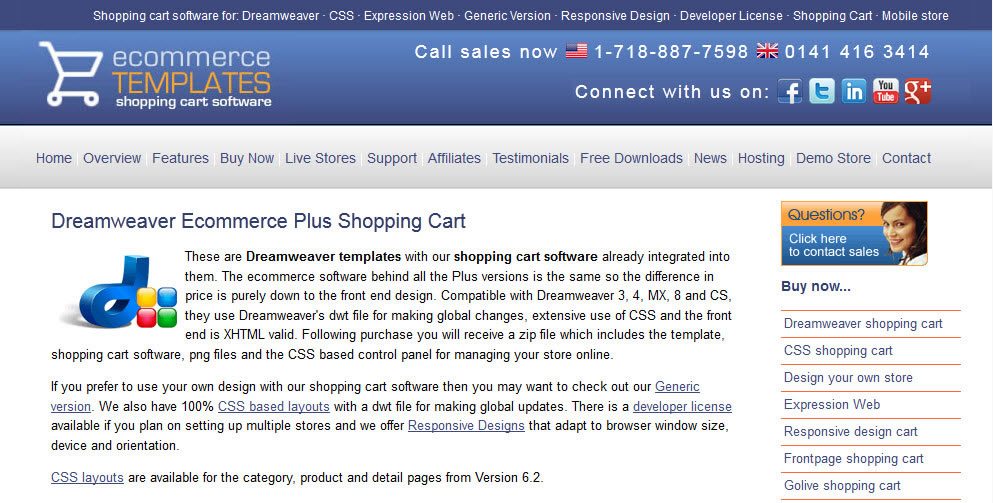
Take an existing page from your site
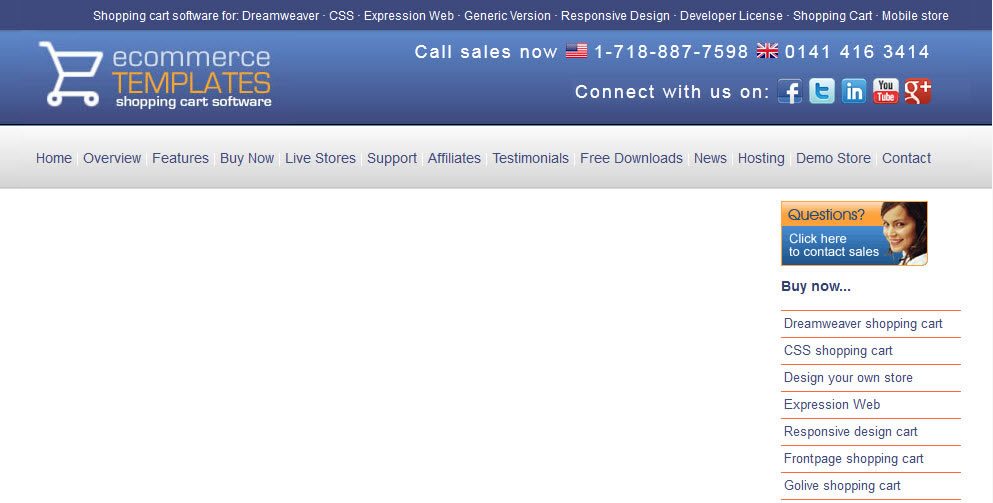
Clear out some white space in the center of the page
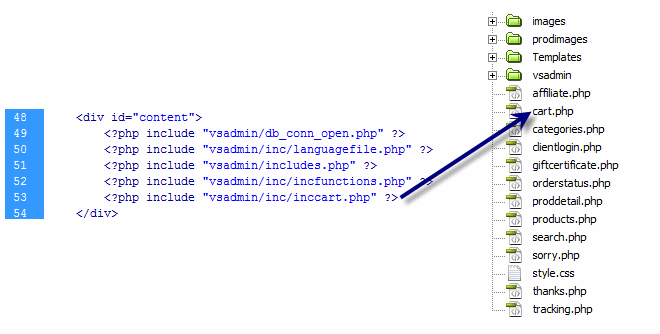
Paste in the 5 ASP or PHP includes lines for each page
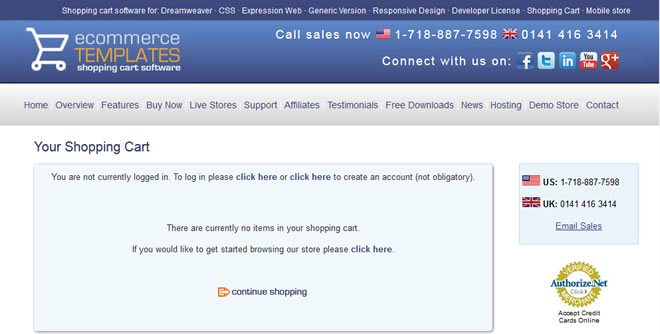
Make the database connection and upload to your host
Now all you need to do is copy and paste the 5 ASP or PHP include lines into code view of that space you have made to set up each of the store pages. The existing page will need to have the same name as the page that the includes were copied from, so when copying them from cart.asp / cart.php they should be pasted into a page called cart.asp / cart.php in the existing site.
In total there are 8 main store pages:
The include lines will look like this for the ASP version with the last line changing depending on the page:
<!--#include file="vsadmin/db_conn_open.asp"-->
<!--#include file="vsadmin/inc/languagefile.asp"-->
<!--#include file="vsadmin/includes.asp"-->
<!--#include file="vsadmin/inc/incfunctions.asp"-->
<!--#include file="vsadmin/inc/inccart.asp"-->
... or for the PHP software:
<?php include "vsadmin/db_conn_open.php" ?>
<?php include "vsadmin/inc/languagefile.php" ?>
<?php include "vsadmin/includes.php" ?>
<?php include "vsadmin/inc/incfunctions.php" ?>
<?php include "vsadmin/inc/inccart.php" ?>
Once those have all been copied over, you will also want to move over the store folders to your existing site, these will be vsadmin, prodimages and for the ASP version, fpdb. The Generic Version will be fine for responsive sites and comes with a sample css file, ectstyle.css which you can use as a starting point for the layouts of products and categories - this can be found in the css folder along with ectcart.css which will need to be uploaded too.
You will need to make sure you have linked to the ectcart.css and ectcart.js files in the HEAD section of your layout. These will be like this and need to go on all your frontend store pages
<script type="text/javascript" src="js/ectcart.js"></script>
<link rel="stylesheet" type="text/css" href="css/ectcart.css"/>
Printer friendly instructions for integration of the ASP Generic Version
Printer friendly instructions for integration of the PHP Generic Version
The Premium Generic Version also provides everything you need to set up your online store, including the backend control panel for product, shipping, tax etc. administration.
As well as all the wonderful regular features Ecommerce Templates shopping cart software has to offer it also comes with the following premium content...
Like the regular Generic Version it is set up to be integrated into an existing design or layout.
If you would like us to take care of integrating the Generic Version into an existing site then check out our offer on the Store Tools Page. We can put all the lines in the right places, upload the files and set the database connection for you. That will leave you to add the products and categories and set up your payment provider through the online control panel.
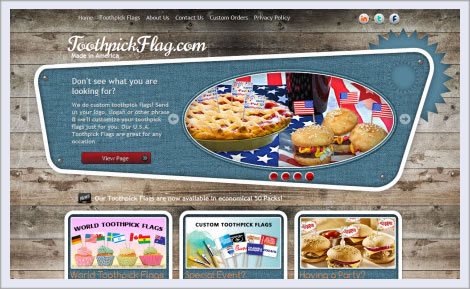
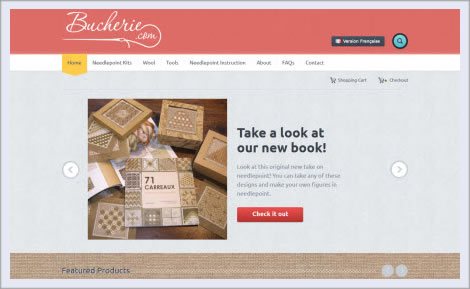
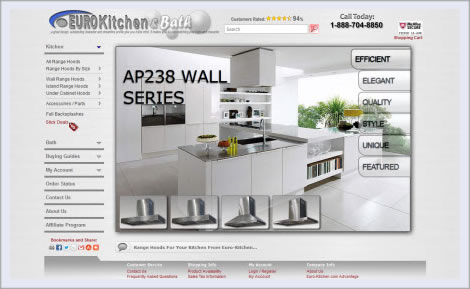
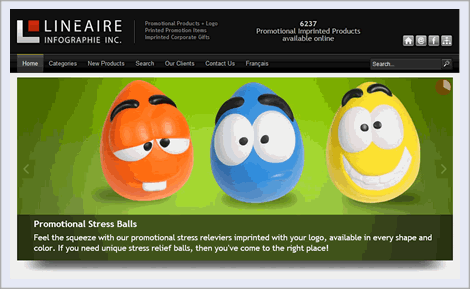
These are a sample of the stores which have been set up using the Generic version. They are live and working stores so orders will be processed.
If you would like to see a much larger selection of businesses and individuals using Ecommerce Templates shopping cart software, please take a look at our Live Stores section.
The features for all the versions are exactly the same, it's just that the Generic version has no real design of its own as it was set up to be used with an existing layout.
Yes you can. The Generic Version is responsive so make sure you link up the css files ectstyle.css and ectcart.css that come with the download.
There really shouldn't be any compatibility issues. The only important factor is that the main body of the design has enough space available to accommodate the product, cart, search etc content. If you are in doubt, please do get in touch and we'll take a look for you.
The features are the same. It will depend on whether your host is Windows based and supports an Access or MS SQL Server database for the ASP version or a mySQL database for the PHP version on a Unix / Linux platform. If you are in any doubt, please contact us and we'll take a look for you.
If you don't upload an index page for the store, you can set up the shopping cart in the background as there will be no links initially to the new pages so nobody will see the work in progress. Some designers prefer to set up the store in a new directory or folder on the server called /store/ for example, that way you keep the shopping cart completely separate from the main site until it's ready to go live.
The first line calls the database connection details you add to db_conn_open.asp or .php
The second line is the call for all the editable store generated text. You can edit this text yourself in languagefile.asp or .php in your favorite text editor.
The third line contains all the tweaks you can turn on or off in includes.asp or .php. A full list of the parameters is available here for the ASP version and here in the PHP version. Again, this file can be edited in your favorite text editor.
The fourth line calls the functions code and there's nothing that should be edited in the incfunctions.asp or .php file.
The fifth line changes depending on which page you are setting up. For example, if you are setting up the products page, you'll see the call is to incproducts.asp or .php. Again there is nothing in those files that need editing.
All you need is a host that supports a mySQL, Access or MS SQL Server database along with an HTML editor to make your design changes. Commercial programs like Dreamweaver will work fine but if you don't have one of those you can use any of the free editors listed below. We do also have a WordPress version available.


Blue Griffon
BlueGriffon is a new WYSIWYG content editor. Powered by Gecko, the rendering engine of Firefox, it's a modern and robust solution to edit web pages in conformance to the latest web standards.


The CoffeeCup Free HTML Editor is a full-featured web design system. With built-in S-Drive sync and real-time preview that updates HTML5 and CSS3 as you code.