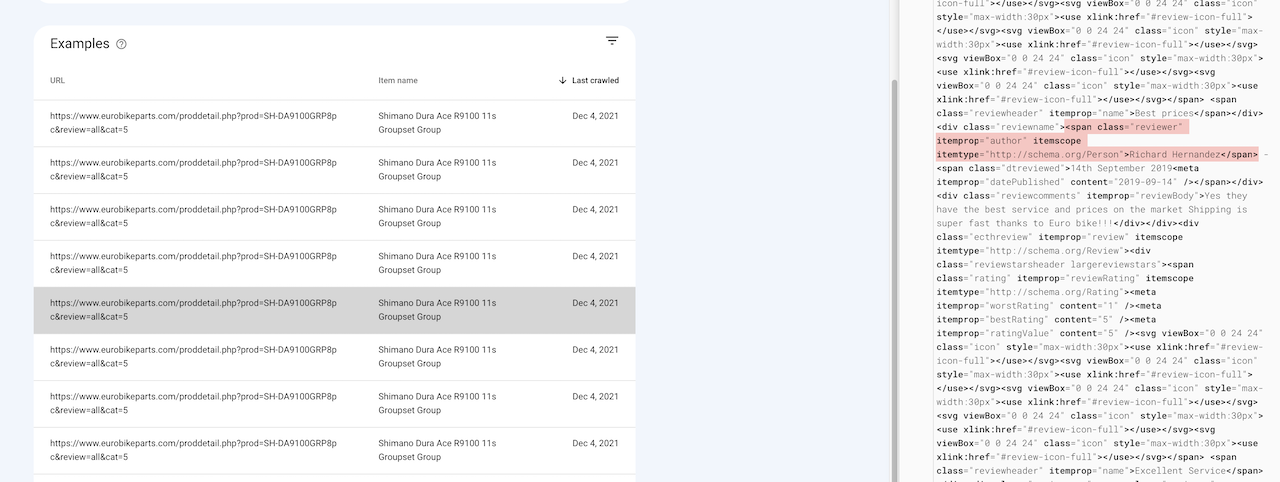
Yes the advice here is correct.
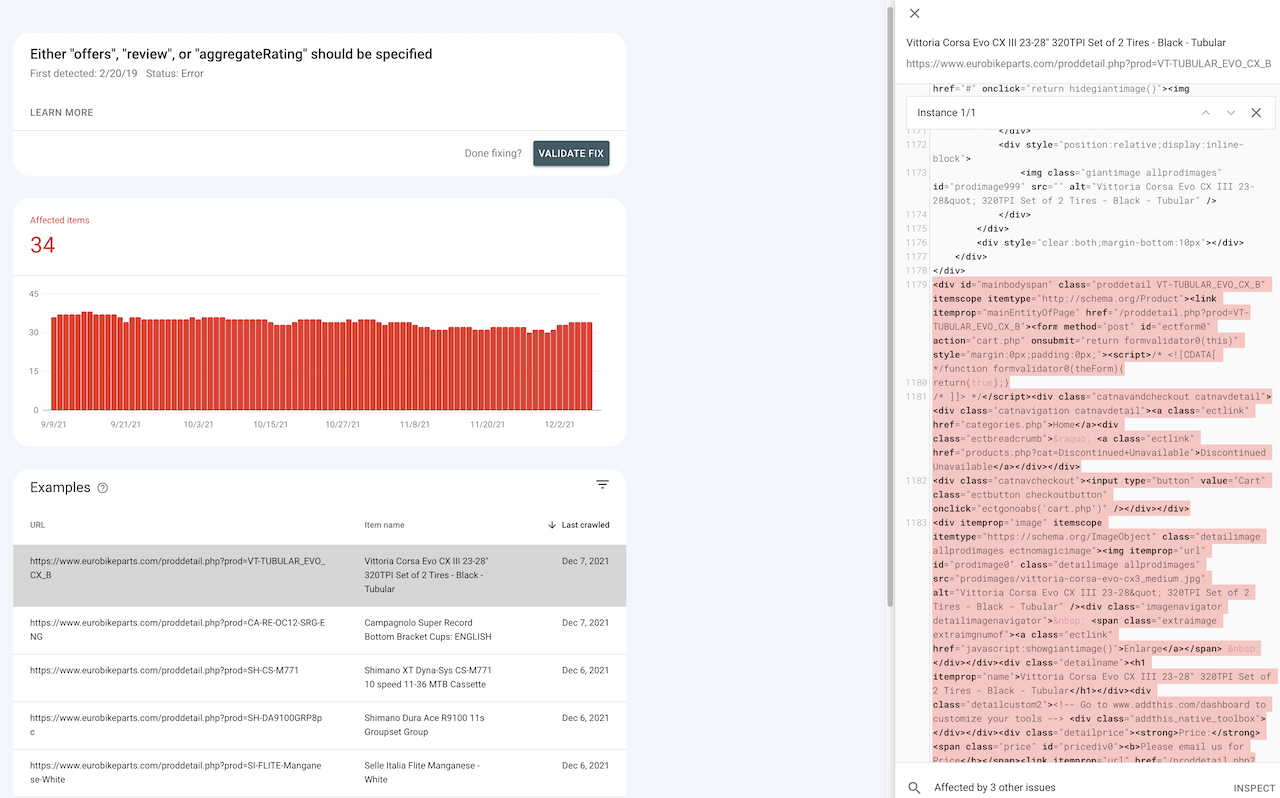
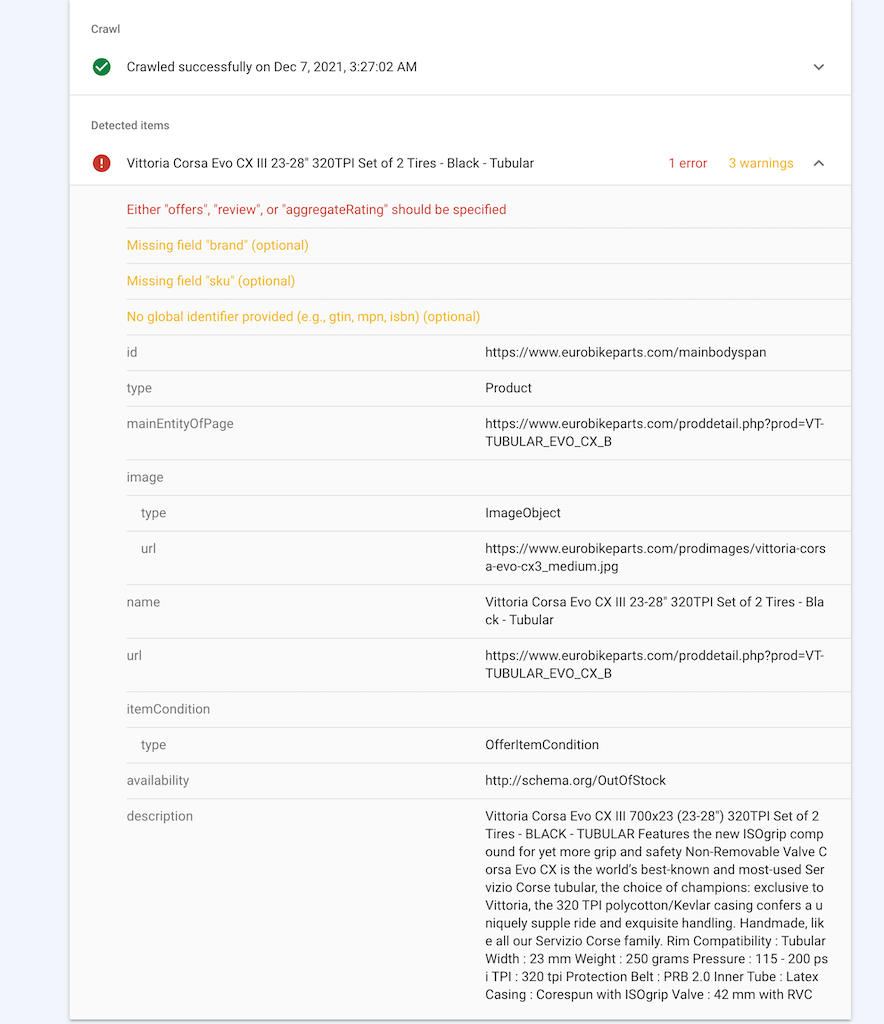
When a Product with Zero $0 price is advertised, Google will whinge that empty "offers itemprop:
price" is a required rich snippet field and a
red Error. The only consequence here is that, when this Product is displayed in Google Search Results, there will be no Unit Price displayed and no other rich snippet information either.
> Google search for "
Vittoria Corsa Evo CX III 23-28" and there is your Product, page 1, rank 1, no rich snippets.
> Google search for "
2019 Campagnolo Chorus Brake Set Dual Pivot" and there is your Product, page 1, rank 5, but this time with rich snippet information displayed:
USD 99.95 Out of stockFor Products with Zero $0 price, one way to completely eliminate that Google Search Console
red Error is to
enter the webpage as an Article >>Otherwise, if these Products are really "Discontinued and Unavailable", then disable that menu Category and do not advertise the Products therein on your website at all. (Submit a new sitemap.xml)
Ignore missing "
review" and "
aggregateRating"
(optional) warnings when Product has Zero reviews entered. Snippets will be provided in code after a review is entered.
Ignore missing "
priceValidUntil"
(optional) warning. No solution, unless itemprop="priceValidUntil" was entered manually by hand somewhere in the description. (Unlikely)
Ignore missing "
brand"
(optional) warning. No solution, unless this was entered manually by hand somewhere in the description, like this <span itemprop="brand">ECT</span>.
We have
discussed this before >>Resolve missing "
sku"
(optional) warning by entering an SKU in Product Admin. And if you do not have an SKU, then just make up some SKU Order Code. Don't leave this field blank. (And the
$detailpagelayout parameter in your includes.php file must include
sku)
Resolve missing "
No global identifier provided"
(optional) warning by adding this entry to your
includes.php config file:
$skuschemaidentifier="mpn"; // New v7.1.1, solves Structured Data WARNING: This product is missing a global identifier (e.g. isbn, mpn or gtin8)Don't fuss too much about any of those
(optional) warnings. But there is advice how to clean up some of them, if desired.
Gary







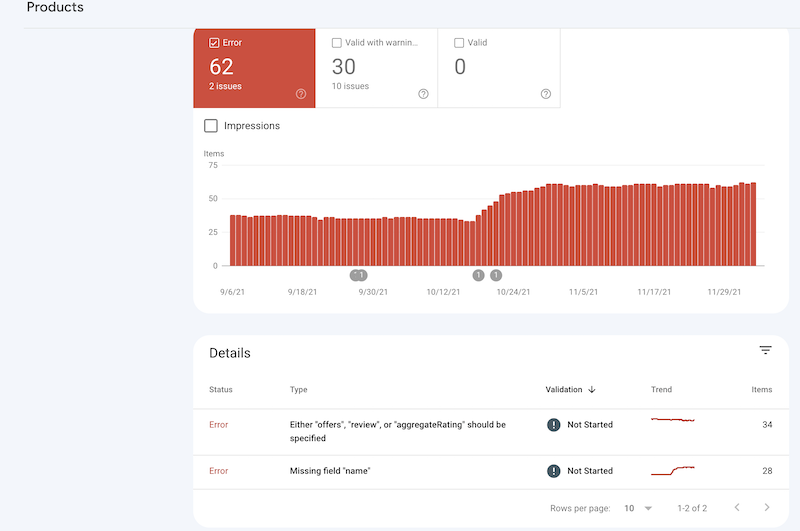
 Google Search Console Errors
 Posted - 12/05/2021 : 16:37:33


 ) opinions.